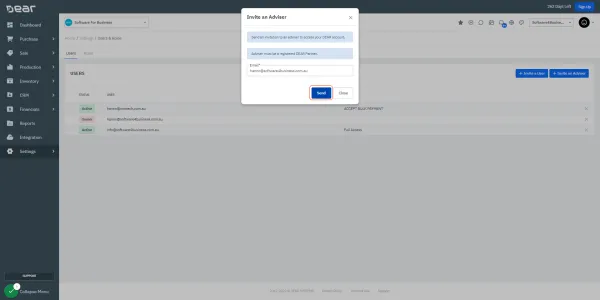
How to invite us as Advisors?
How to invite us as Advisors to your Dear Systems
Please invite us as Advisors?
Solve it today.
Once you are logged into DEAR?
Home
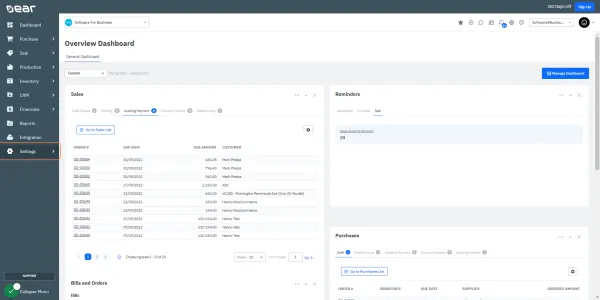
2. Tap on Settings
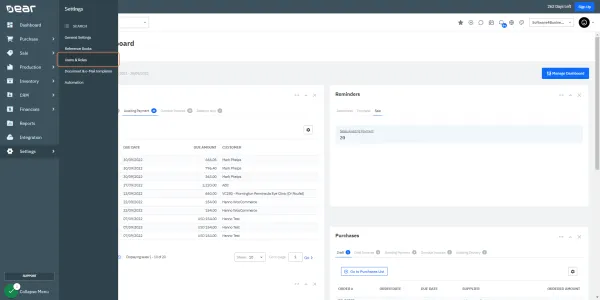
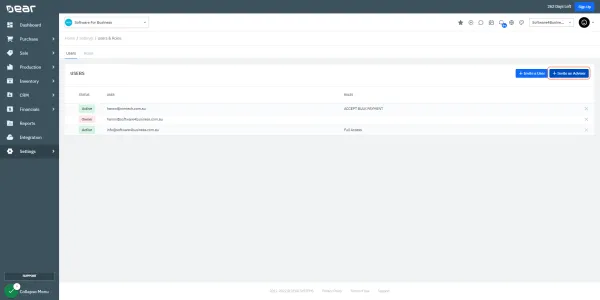
Click on Users & Roles
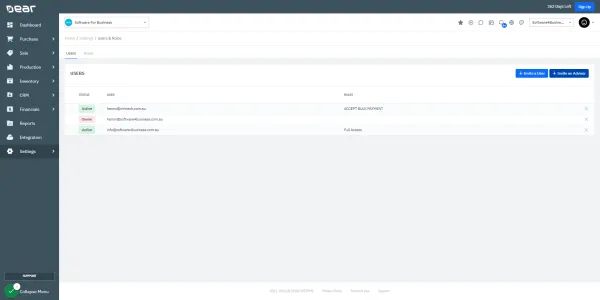
4. Select Invite an Adviser
Type “hanno@software4business.com.au”
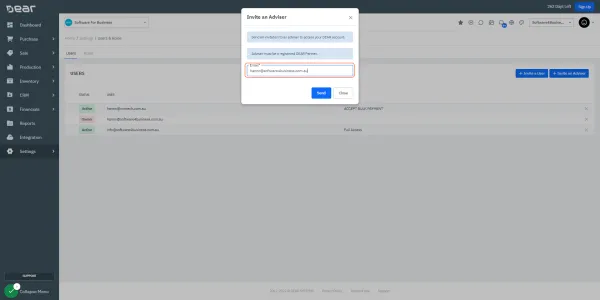
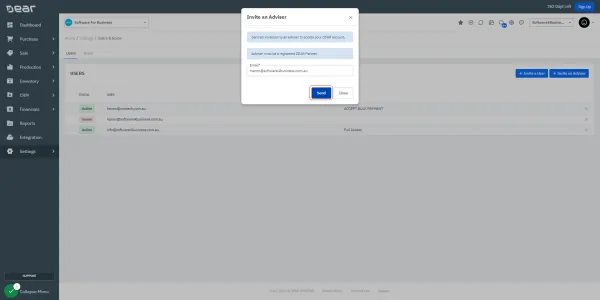
Click Here to Send
Click on Invite an Adviser
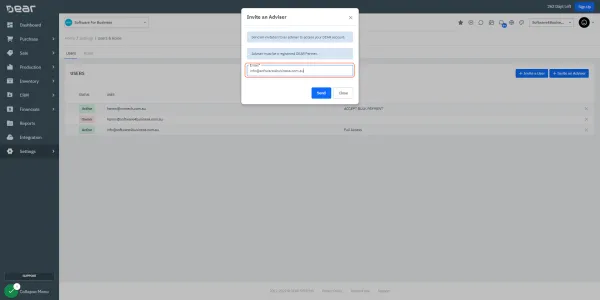
Email info@software4business.com.au
10. Just Hit 'Send'
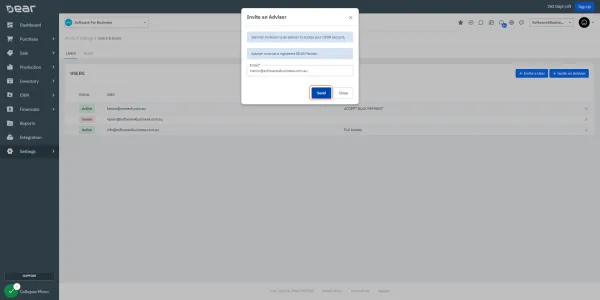
Invite an Advisor (one more time)
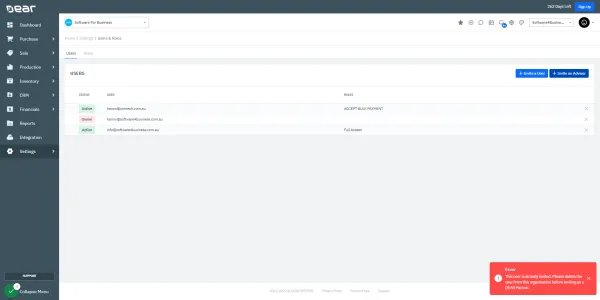
Send to 'support@software4business.com.au'
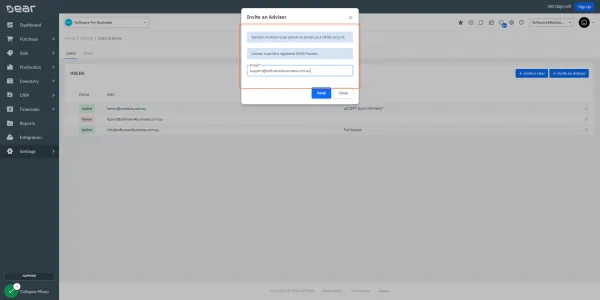
Tap the Send Button